Again with the random breakage; I just so dearly love that this shit happens when I’d rather be working on anything but.
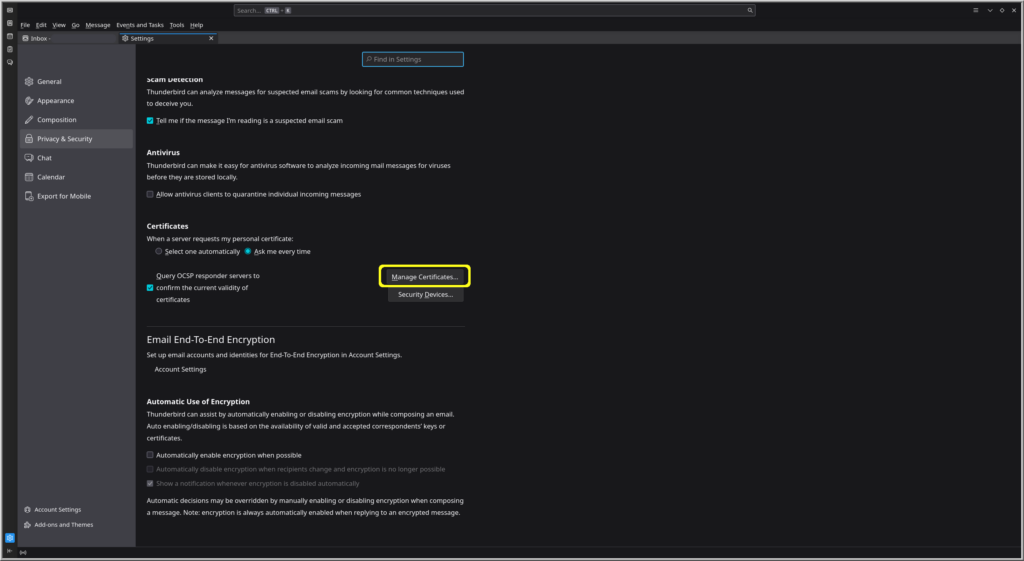
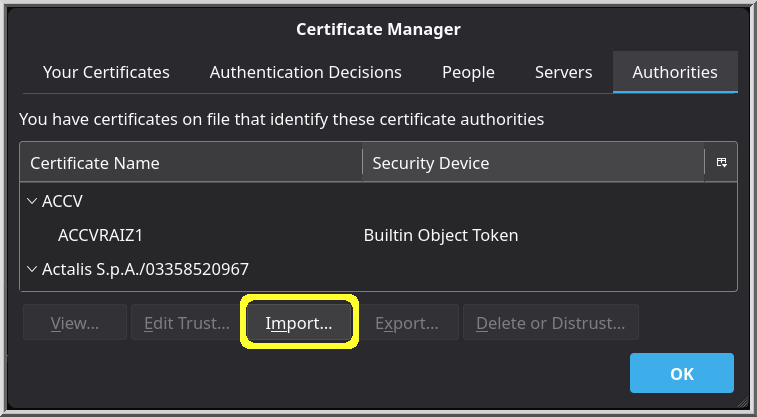
The problem is still that Nextcloud Desktop file sync barks every 30 seconds that the chain of trust is broken. Also, Thunderbird is barking the same, but at least it only barks every 5 minutes.
As stated before, I’m angry that Let’s Encrypt started signing and issuing certificates with certificate chains that are invalid because they didn’t wait for the ca-certificates bundle to include their new root certs.
Part of the problem rests with the ACME client on pfSense. I’ve configured the option to request a fullchain from Root X2, but the ACME client doesn’t include that in the request.
I’ve just regenerated all the certificates using the ACME client on the pfSense machine.
The ACME client is requesting Root X2:
/usr/local/pkg/acme/acme.sh --issue (wildcard_name) --dnssleep '180' --preferred-chain ''\''ISRG Root X2'\''' --log-level 3 --log '/tmp/acme/wildcard_name/acme_issuecert.log'
But nowhere is ISRG Root X2 mentioned in the log file. The wildcard .cer file I do get is issuer=C=US, O=Let’s Encrypt, CN=YR1, but its root is issuer=C=US, O=Internet Security Research Group, CN=ISRG Root X1
I’ve downloaded all the files. Furthermore, I ran the following on the fullchain.cer file: openssl crl2pkcs7 -nocrl -certfile fullchain.cer | openssl pkcs7 -print_certs -noout, and got this:
openssl crl2pkcs7 -nocrl -certfile fullchain.cer | openssl pkcs7 -print_certs -noout
issuer=C=US, O=Let's Encrypt, CN=YR2

subject=C=US, O=Let's Encrypt, CN=YR2
issuer=C=US, O=ISRG, CN=Root YR

subject=C=US, O=ISRG, CN=Root YR
issuer=C=US, O=Internet Security Research Group, CN=ISRG Root X1
and CN=ISRG Root X1 is the problem. The certificate chain won’t validate until Root X2 is in the chain or Root Y2 is in the chain.
So I’m damned if I do, and I’m damned if I don’t. The ACME client is prevented from getting the chain.pem file that refers to root certificate the certificate is signed by, and Let’s Encrypt won’t supply the the chain.pem file on their website for download.
The actual problem was solved thusly1:
As it turns out, pfSense has two locations where the ACME script puts things.
- /tmp/acme/<name>
- /cf/conf/acme/<name_slightly_different>
The /cf directory has the Y2 chain files, while the /tmp directory has the root X1 signed wildcard certificate that refers to a Y2 intermediate.
Okay, getting the files from /cf/conf/acme/<name_slightly_different> is the way to go. Unfortunately, we’re back to the problem that the root Y2 certificate isn’t trusted.
So the first half of the problem is solved by getting all files from pfSense that are in the /cf/conf/acme directory and putting those on the Nextcloud server.
The second half of the problem is that this certificate chain points to a root your local machine doesn’t trust, because the root.pem is not in the local machine’s trust store.
Thankfully, this is solved by going here: Chains of Trust and choosing:
ISRG Root YR
Subject: C=US, O=ISRG, CN=Root YR
Key type: RSA 4096
Certificate details (self-signed): der, pem, txt
That “self-signed” warning sounds ominous, but the pem certificate is the one that works.
Download the file root-yr.pem and run these two commands:
sudo cp root-yr.pem /usr/local/share/ca-certificates/root-yr.crt
sudo update-ca-certificates
After rebooting my machine, I’m no longer getting barked at by Nextcloud Desktop file client sync that chain of trust cannot be trusted.